![Circle.png]](https://support.aspireapp.com/hs-fs/hubfs/Circle.png?height=40&name=Circle.png)
If you're an Admin user, you can easily replace a card whenever you need to.
This action will automatically disable the previous card but keep the same settings and budget you had previously set.
You may need to replace a card if someone else has access to the card details or if you simply want to update the card number.
To replace a card, follow these steps:
- Click on "Cards" on the left-hand side, under "Spend" section
- Select the card you would like to replace
- Select "🔒 Security Options"
- Select "Replace"
- Click on the reason why
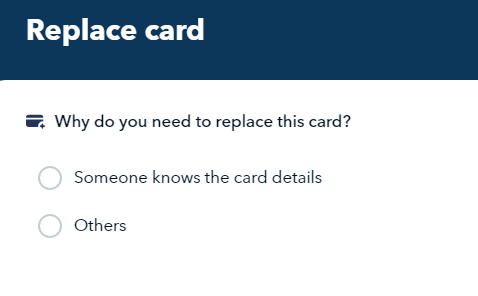
- Click "Proceed"
- This card is now Replaced with a new number
Questions? Please log in to the app and reach out in the chat at the bottom right corner of the screen.