![Circle.png]](https://support.aspireapp.com/hs-fs/hubfs/Circle.png?height=40&name=Circle.png)
Note: You can only make bank transfers within a budget when using your USD account. This feature is currently unavailable for HKD account.
To facilitate a bank transfer within a budget, follow the steps below:
- Log in to your Aspire account
- Click on "Budgets" under the Spend section on the left-hand side
- Click on the budget you need to make the transfer from
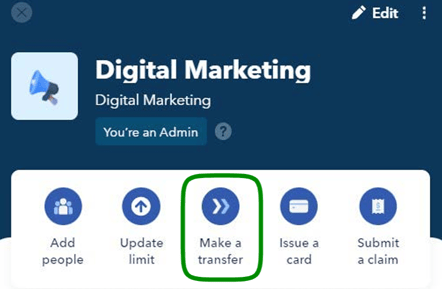
- Click on "Make a transfer"
- Select a recipient. If the recipient is not listed, you can add them by clicking on "Create New Recipient"
- Fill out the information required and conduct the bank transfer
You can see the transaction listed in the transactions section of your budget.
Questions? Please log in to the app and reach out in the chat at the bottom right corner of the screen.
Suggestions? Let us know here.