![Circle.png]](https://support.aspireapp.com/hs-fs/hubfs/Circle.png?height=40&name=Circle.png)
To activate and set the PIN on your physical card, follow these steps:
- Login to your Aspire account
- Go to the "Cards" tab under "Spend", and choose your desired card
- Next, click on "Activate physical card"
.png?width=317&height=685&name=FAQ%20Screenshots%20(20).png)
- Enter the activation code in the letter that was sent with your physical card, and click on "Activate"
.png?width=688&height=597&name=FAQ%20Screenshots%20(21).png)
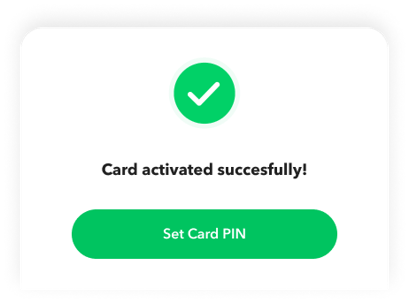
- Once completed, click on "Set Card PIN"
- Place your 6-digit PIN, then hit "Proceed"
.png?width=322&height=697&name=Security%20(2).png)
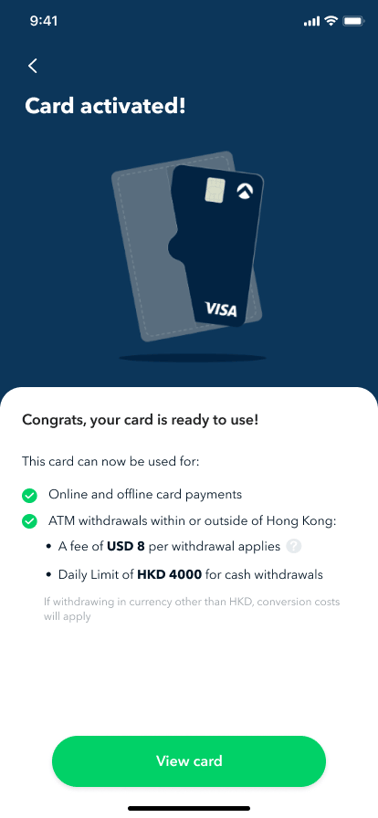
- Now, your physical card is activated and ready to use!
Note:
- Your PIN will only be used for international ATM withdrawals and in cases where a merchant requires a PIN (mostly for international card transactions).
- If the "Activate physical card" button is greyed out and you cannot access it, please log in to the Aspire app and contact our support team.
Questions? Please log in to the app and reach out in the chat at the bottom right corner of the screen.